Safaricom has reminded M-PESA customers that they can withdraw money directly from ATMs, offering an alternative to the familiar option of visiting a mobile money agent. Safaricom Explains How to Withdraw M-PESA Cash From an ATM
Sign up to Flash News
Your info will be used in accordance with our Privacy Policy
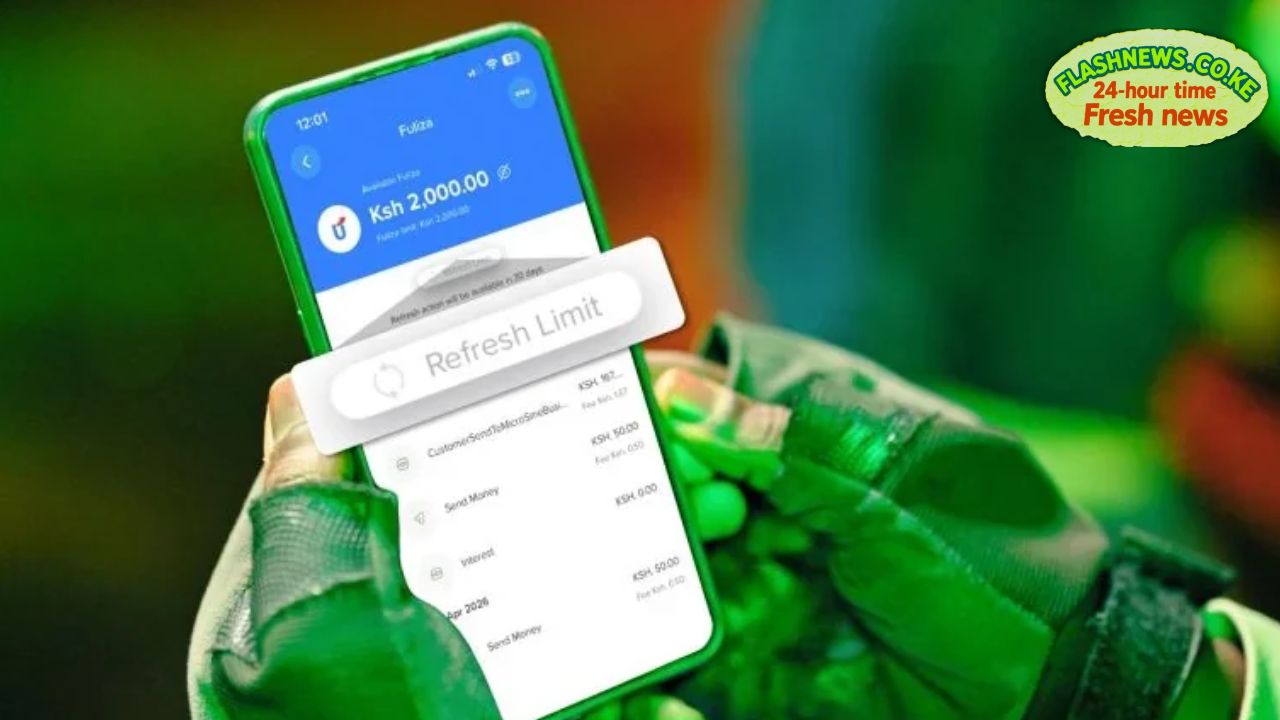
Although many Kenyans rely on M-PESA agents to access cash, the mobile Safaricom Explains How to Withdraw M-PESA Cash From an ATMoney service also provides an ATM withdrawal facility that allows customers to complete transactions using their phones.
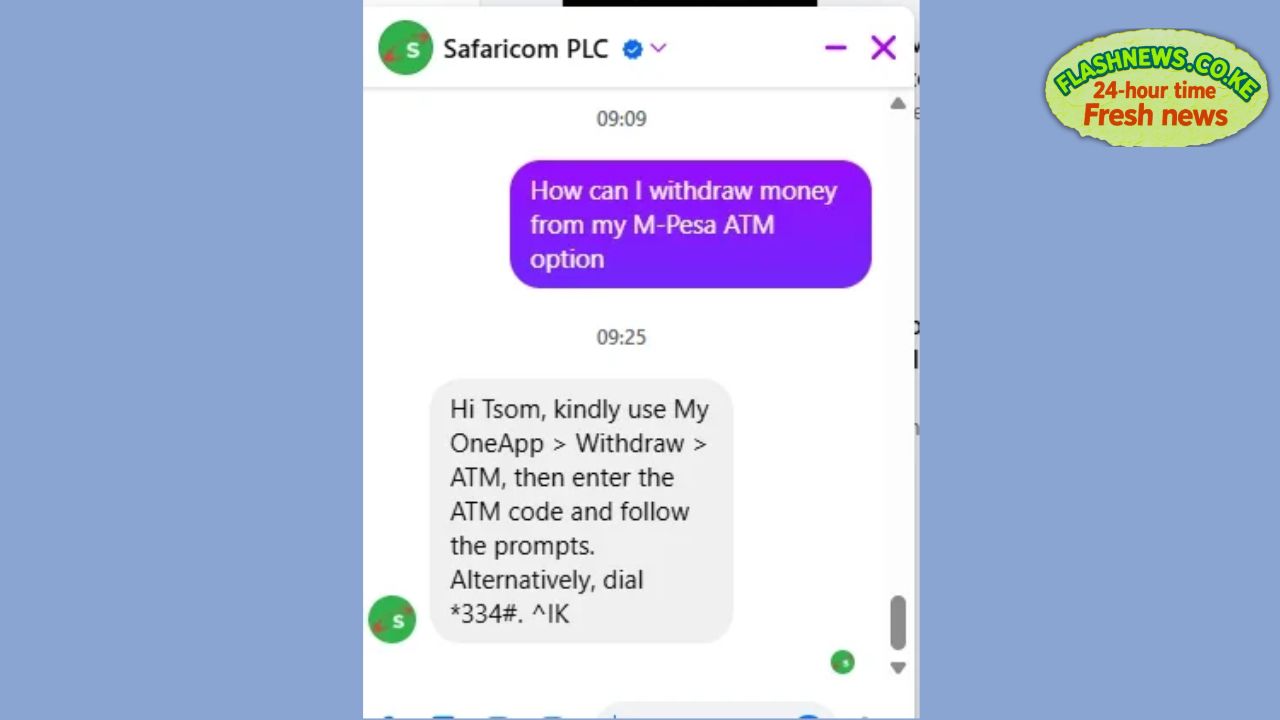
The process can be initiated through Safaricom's My OneApp platform or the USSD service, giving customers another way to access funds without necessarily visiting an agent outlet.
The clarification highlights a withdrawal option that some M-PESA users may not be familiar with, despite its availability through the company's digital services.
How to Withdraw M-PESA Cash Using My OneApp
Customers who prefer using Safaricom's My OneApp can follow a few steps to initiate an ATM withdrawal.
The process involves:
-
Open the My OneApp application on your phone.
-
Navigate to the money withdrawal section.
-
Select the ATM withdrawal option.
-
Enter the ATM code as required.
-
Follow the instructions displayed to complete the transaction.
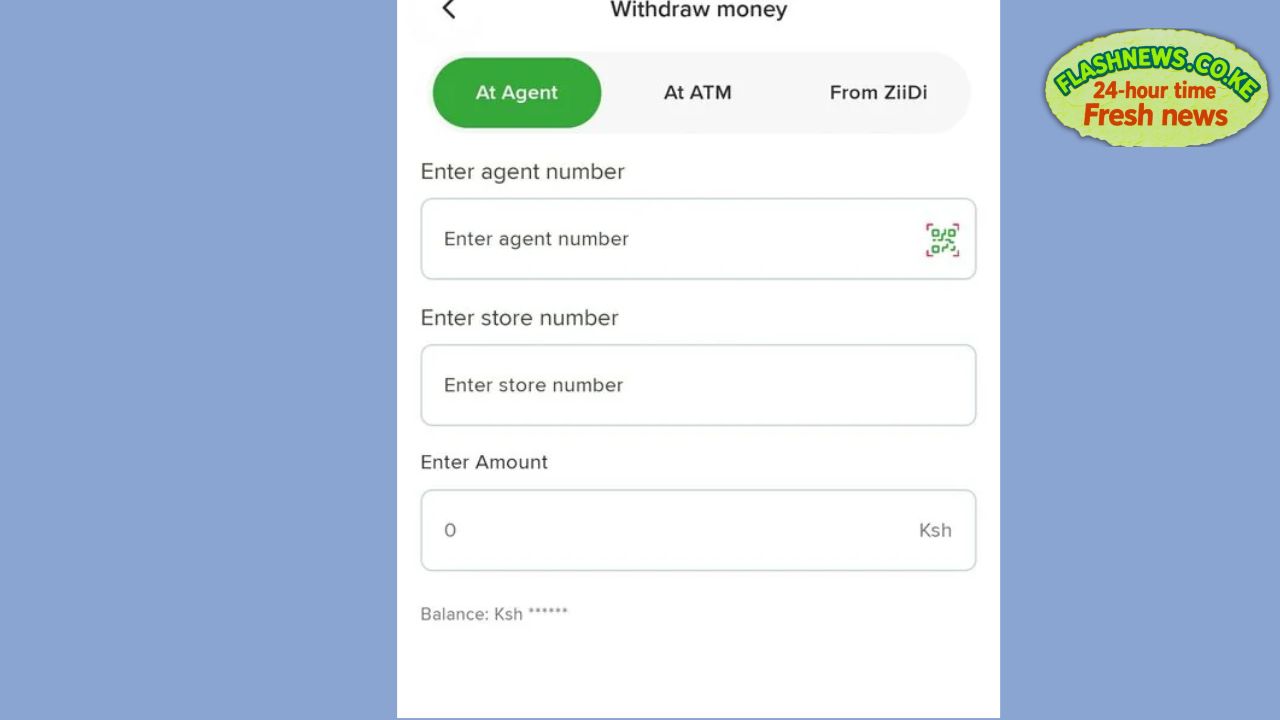
Customers should follow the prompts carefully and ensure they are using a participating ATM before initiating the withdrawal.
How to Withdraw M-PESA Money Using USSD
Safaricom also provides an alternative for customers who prefer using the USSD menu rather than the mobile application.
To access the service:
-
Dial *334# on your Safaricom line.
-
Follow the menu prompts.
-
Select the relevant withdrawal option.
-
Follow the instructions provided to complete the transaction.
The USSD option allows customers to initiate the process without needing to open the My OneApp application.
M-PESA Customers Have an Alternative to Agent Withdrawals
M-PESA has become one of Kenya's most widely used mobile money platforms, supporting everyday transactions such as sending and receiving money, paying bills and purchasing goods and services.
For many customers, withdrawing cash through an authorised agent remains the most familiar option.
However, the ATM facility offers another channel, particularly for users who are near a participating banking machine and would prefer not to visit an agent outlet.
Safaricom's explanation is a reminder that M-PESA customers can explore different ways of accessing their mobile money, depending on their needs and the services available at their location.
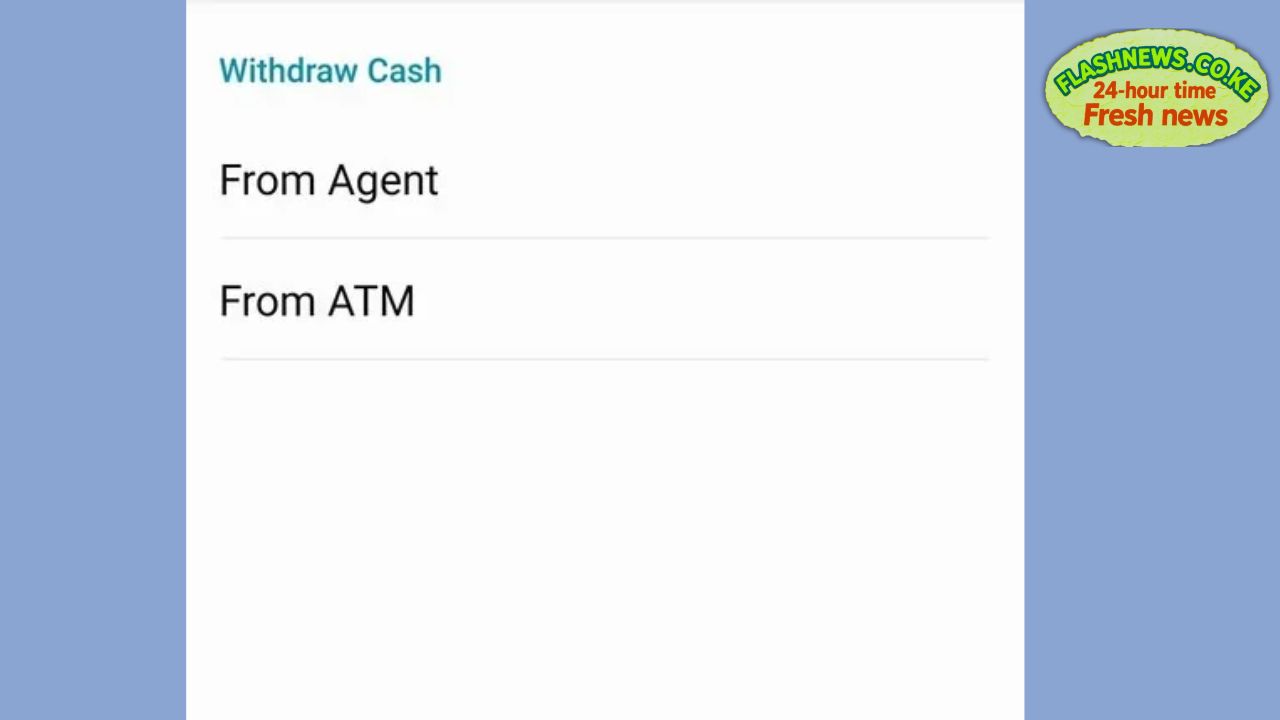
Customers should check the applicable withdrawal charges, transaction limits and participating ATM requirements before completing a transaction.